Why Video Feedback Matters More Than Text
Discover why screen recordings capture 10x more context than written bug reports and how they can transform your product development.
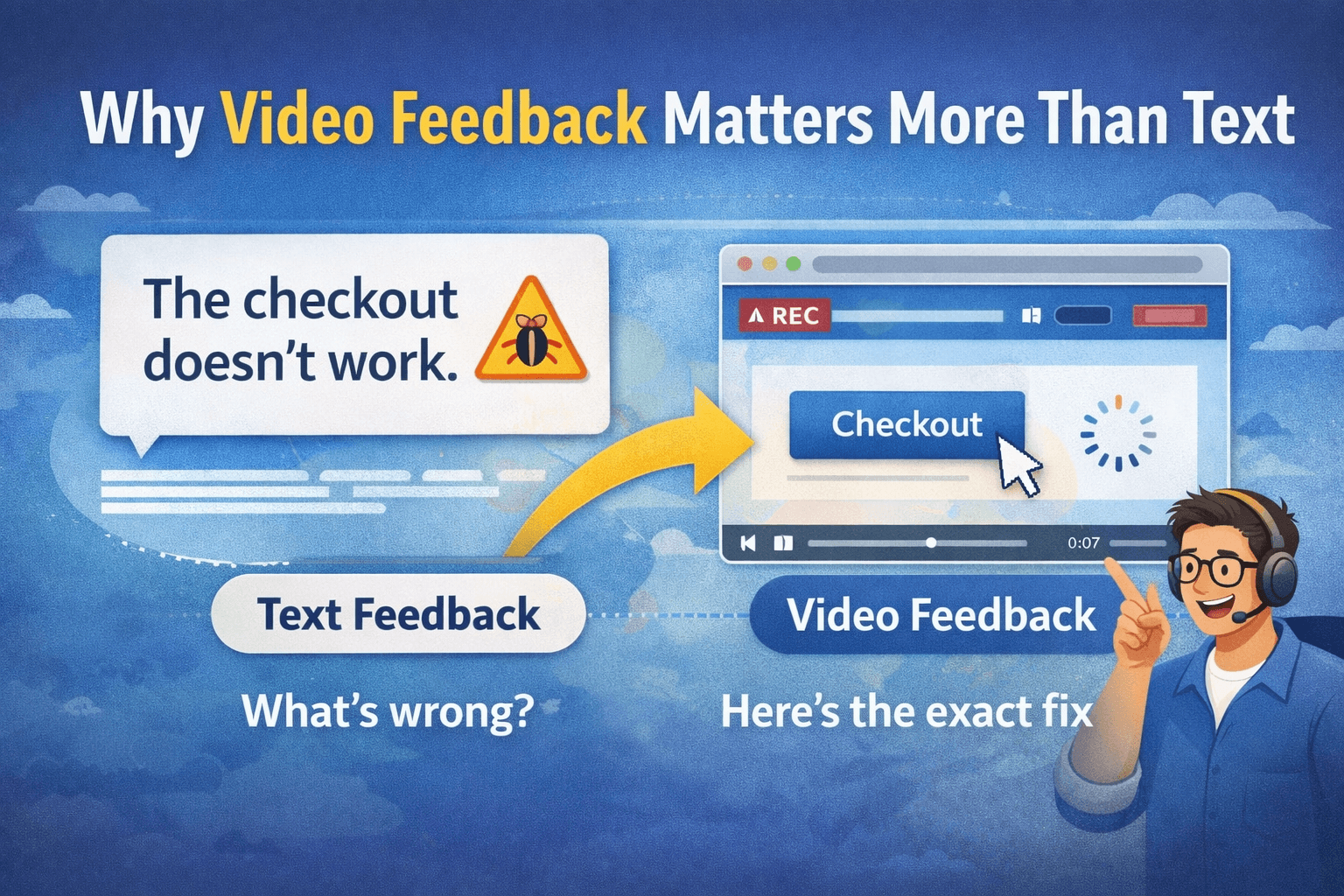

If you've ever received a bug report that just says "the checkout doesn't work," you know the pain of trying to debug issues without context. Video feedback changes everything.
The Problem with Text-Only Feedback
Text feedback often lacks critical context. What browser were they using? What did they click? What were they trying to accomplish? What error message did they see (if any)?
Users aren't technical writers. They don't know what information developers need. So you get vague reports that take hours to reproduce.
Why Video is 10x Better
When users record their screen, you see:
Real Example
Text feedback: "I can't complete checkout"
Video feedback: *Shows user clicking the checkout button, seeing a loading spinner that never ends, trying again, then giving up*
With video, you immediately know:
You go from "What's wrong?" to "Here's the exact fix" in seconds.
When to Use Each Type
Video feedback is perfect for:
Text feedback still works for:
Screenshot feedback is great for:
How to Implement Video Feedback
Adding video feedback to your site is easier than you think. With Feedport, it's literally one script tag. Users click a button, record their screen (up to 60 seconds), and send. You get the video, page URL, browser info, and their message all in one place.
The Results
Teams using video feedback report:
Getting Started
If you're still relying on text-only feedback, you're making your job harder than it needs to be. Give users an easy way to show you what's wrong, and watch your debugging time plummet.
Try adding video feedback to your site and see the difference yourself.
Ready to collect better feedback?
Add video, screenshot, and text feedback to your site in minutes.
Get Started Free