Customer Feedback Loop: How to Close It in 4 Simple Steps
Learn how to close the customer feedback loop effectively. Turn user insights into product improvements and show customers you're listening. Step-by-step guide.

Customer Feedback Loop: How to Close It in 4 Simple Steps
You've added a feedback widget to your site. Users are submitting feedback. Great!
But here's the problem: If you collect feedback and never act on it, you're actually making things worse. Users feel ignored, and they stop trying to help.
This is why closing the feedback loop is critical. In this guide, you'll learn exactly how to do it.
What is a Customer Feedback Loop?
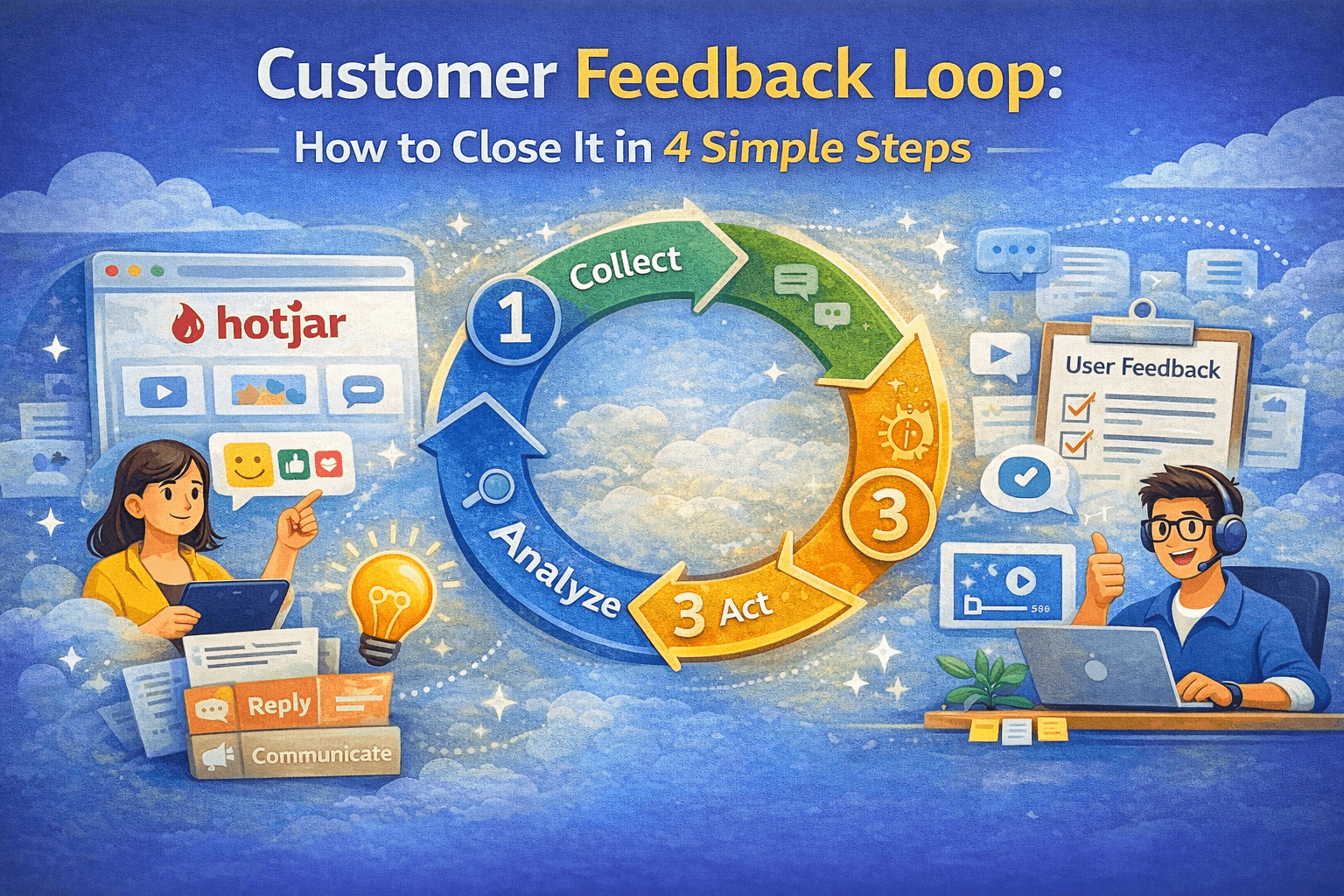
A customer feedback loop is a systematic process of:
- Collecting feedback from users
- Analyzing what they're saying
- Acting on the insights
- Communicating what you've done
The "loop" part is crucial—it's continuous. You don't just do it once and forget about it.
Why Closing the Loop Matters
For Your Product:
- Build what users actually need
- Fix bugs faster
- Improve user experience continuously
- Stay ahead of competitors
For Your Users:
- Feel heard and valued
- See their impact on the product
- Become advocates and promoters
- Stick around longer (better retention)
Step 1: Collect Feedback Systematically
Make it easy for users to give feedback:
- Add a persistent feedback button
- Allow anonymous feedback
- Enable multiple formats (text, screenshots, video)
- Capture context automatically
Step 2: Analyze and Prioritize
Not all feedback is equally valuable. Use the RICE framework:
- Reach: How many users affected?
- Impact: How much does it matter?
- Confidence: How sure are you?
- Effort: How hard is it to fix?
Score = (Reach × Impact × Confidence) / Effort
Step 3: Act on Feedback
Fix bugs immediately. Ship features iteratively. Measure impact.
Step 4: Close the Loop (Communicate)
This is the most important step. Tell users when you act on their feedback:
- Reply directly to bug reports
- Publish changelogs
- Credit users for suggestions
- Send product updates
Real-World Examples
Buffer
- Public roadmap with user voting
- Public changelog
- Reply to every piece of feedback within 24 hours
Linear
- Users can follow issues and see progress
- Automatic notifications when fixed
- Users feel like they're part of the team
Common Mistakes to Avoid
- Collecting feedback but never acting
- Building everything users request
- Never communicating changes
- Only responding to loud voices
- Waiting too long to fix issues
Conclusion
Closing the feedback loop isn't complicated:
- Collect feedback systematically
- Analyze and prioritize ruthlessly
- Act on insights quickly
- Communicate what you did
Then repeat. Forever.
Try Feedport to collect better feedback with video, screenshots, and automatic context capture.
Ready to collect better feedback?
Add video, screenshot, and text feedback to your site in minutes.
Get Started Free